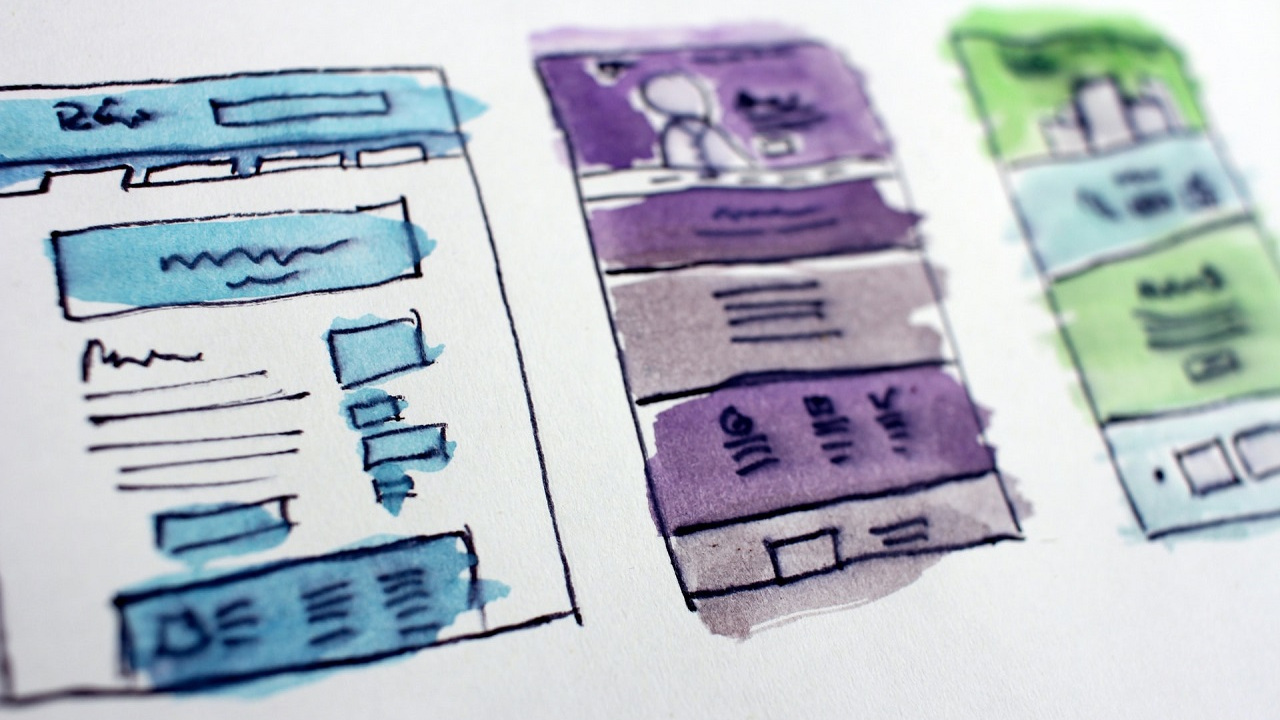
There are billions of websites on the web and many of them overlap, but each type has its own goals and its own rules. For each type below you will find what it is for, what it usually must have and what it is most often built on.
1. Blog
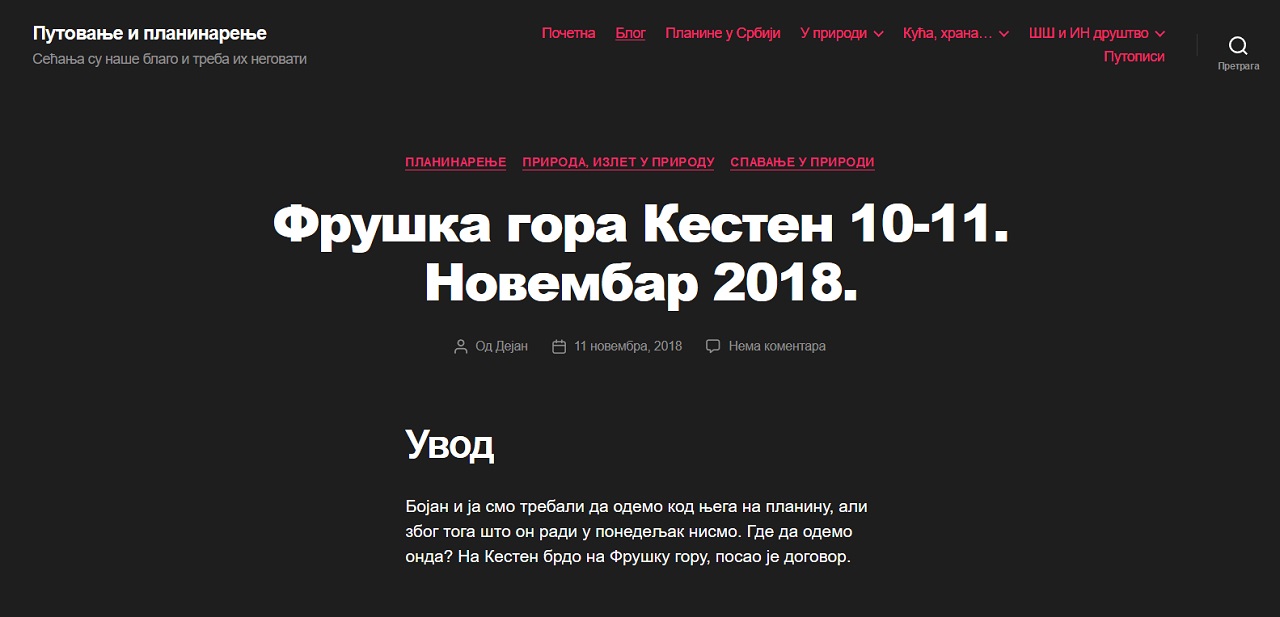
A blog is a site with regularly published articles, run by one person or a small group, usually in a personal tone. The topic can be anything – travel, cooking, programming, your profession.
A blog doesn't have to be a separate site: as a section of a business website it is a good way to show expertise, answer customers' questions and bring in visits from search. The condition is that you keep writing – a blog whose last post is three years old makes the site look abandoned.
- Must have: a list of posts, categories or tags, search, an about-the-author page and, optionally, comments and a newsletter sign-up.
- Built on: most often WordPress or a similar content management system (CMS).
2. Business website
A business website presents a company: what it does, for whom, why choose it and how to reach it. For most businesses it is the first place a new customer checks them out, so even a small local shop without a website looks less serious today.
- Must have: a home page with a clear message, service or product pages, an about page, examples of work or references, and a contact page with a form, address and map.
- Built on: a CMS or a custom site, depending on how many special features are needed.
A business website is often extended with a blog, a catalog or an online store – the types described below can be combined.
3. Brochure website
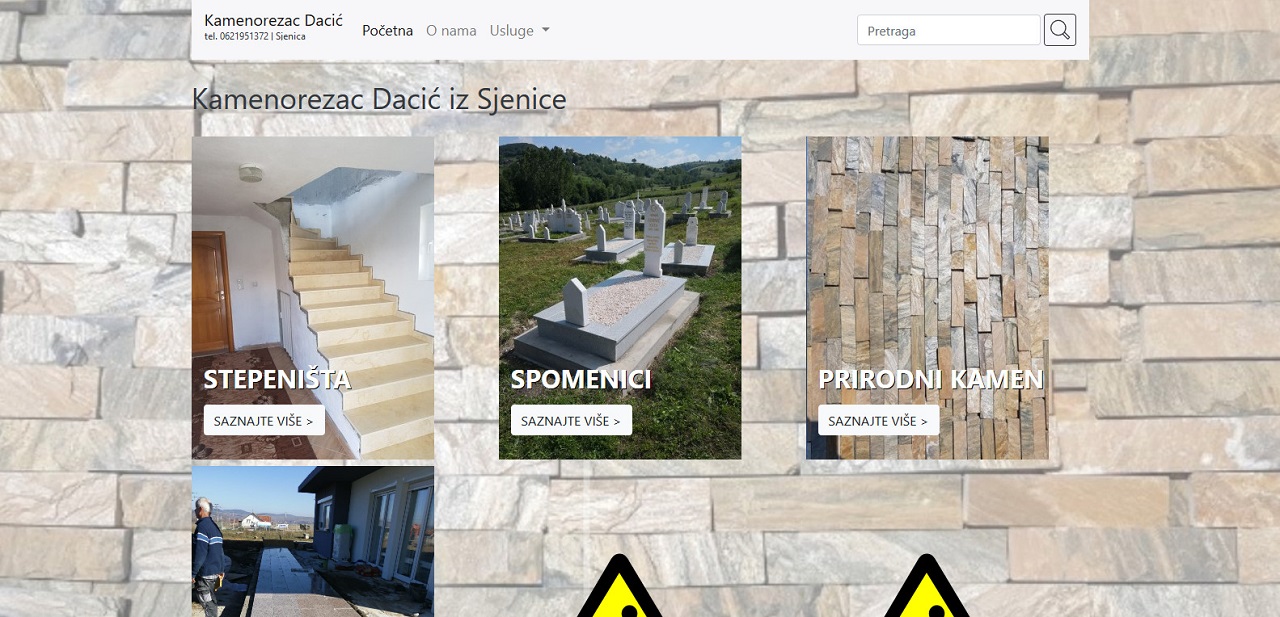
A brochure website is the simplest form of business website: a few pages, or even just one, that do the same job as a printed brochure – briefly saying what the business does and how to get in touch. The content rarely changes.
- Must have: a short description of the business, a few photos, contact details, opening hours and location.
- Built on: a simple template, a CMS or a static site; this is usually the cheapest type of website.
4. Landing page
A landing page is a single page built for a single goal: getting the visitor to send an inquiry, sign up or buy a specific offer. It is usually tied to an ad or campaign, so visitors arrive with a very specific expectation.
- Must have: a headline that matches the ad, a short explanation of the offer, proof (examples, reviews, prices) and one clear button or form.
- Built on: as part of an existing site or as a separate page; it must load fast and work well on phones.
5. Product catalog
A catalog shows products with photos, descriptions and often prices, but without a cart or online payment. The customer chooses on the site and buys by phone, email or in the shop. It is a common and sensible choice for wholesale, custom products and businesses that don't want to handle online payment and delivery.
- Must have: categories, filters and search, product pages with good photos and specifications, and a button to ask about a product.
- Built on: a CMS with a catalog, or an online store with the cart turned off, which makes a later switch to selling easier.
6. Online store (e-commerce)
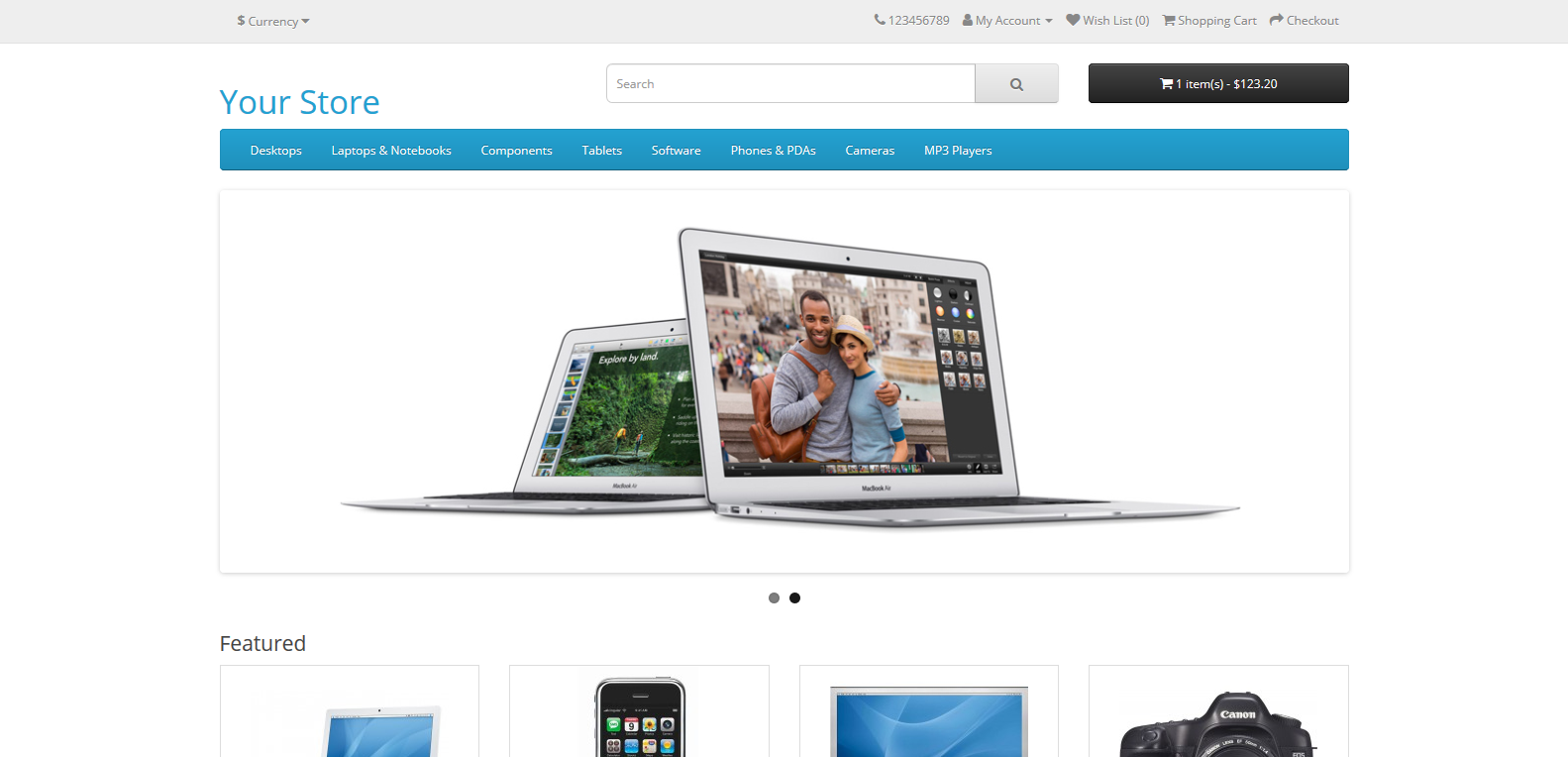
An online store sells products or services directly through the site: the customer adds products to a cart and pays by card, cash on delivery or bank transfer. Unlike a catalog, the site handles the whole order, so it also needs the most maintenance – up-to-date prices and stock, order processing, delivery and returns.
- Must have: a catalog with filters, a cart, checkout, shipping calculation, customer accounts or guest checkout, email confirmations, terms of sale and a privacy policy.
- Built on: WooCommerce, OpenCart, Shopify or a custom store, depending on the number of products and special requirements (links to accounting, warehouse, courier services).
7. Booking and appointment website
Accommodation, restaurants, salons, clinics, repair services and schools often gain the most from a site that lets people book or schedule an appointment without a phone call. The visitor sees free slots, chooses one and gets a confirmation, while the owner has all bookings in one place.
- Must have: a calendar of free slots or capacity, a booking form, automatic email or SMS confirmations and reminders, and an admin area for viewing and cancelling bookings.
- Built on: a CMS plugin, a ready-made booking service connected to the site, or a custom solution when the booking rules are special.
8. Web application and client portal
A web application is a site used like a program: users log in and get something done – keep records, track orders, fill in documents, view reports. Client portals belong here too, where customers see their invoices, contracts or the status of their work.
- Must have: login and access rights, a database, reliable data protection and a clear interface for the task at hand.
- Built on: almost always custom, because it follows a company's specific processes.
9. Educational website
Educational sites teach their audience through articles, video, exercises, tests and games. They can be aimed at children, pupils and students, or at adults learning a new skill, such as Coursera and edX.
- Must have: clearly organized lessons or courses, progress tracking and, optionally, tests, certificates and course payments.
- Built on: a learning platform (LMS, for example Moodle or a WordPress plugin) or a custom solution.
10. Media and entertainment website
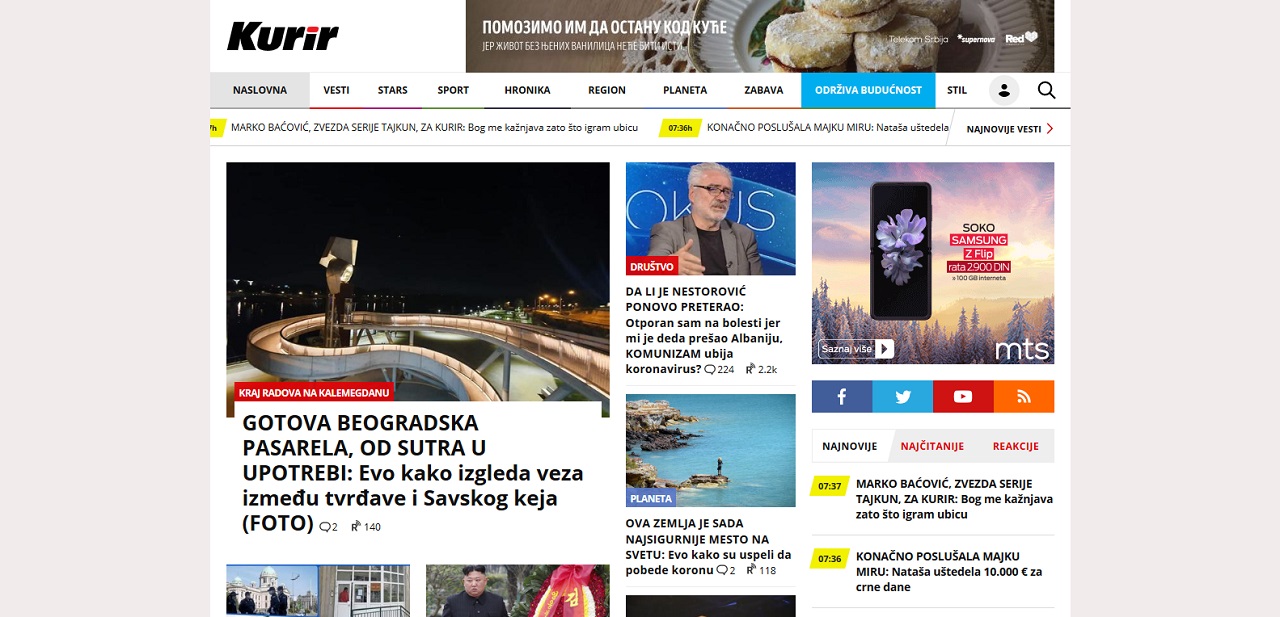
Media sites publish news, current affairs, sports, entertainment and video, often several times a day. Daily newspaper sites, as well as entertainment and lifestyle sites, belong to this group.
- Must have: sections, fast publishing and editing, multiple authors and editors, ad space and good performance under heavy traffic.
- Built on: a CMS adapted for a newsroom, or a custom system for larger publishers.
11. Non-profit organization website
Associations, foundations and other non-profits aren't businesses, but they need a website for similar reasons: to explain what they do, show results and invite people to get involved, donate or volunteer. They often collect email addresses for a newsletter.
- Must have: a clear mission, projects and results, news, ways to support (donation, volunteering, membership) and a newsletter sign-up.
- Built on: most often a CMS; online donations are connected through a payment service.
To raise money for a single project or product, people usually don't build a separate site but use crowdfunding platforms such as Kickstarter or Indiegogo, with their own site pointing to the campaign.
12. Personal website
A personal website presents a person rather than a company: it can be a digital CV, a place for thoughts and photos, or the foundation of a personal brand for an expert, speaker or consultant. You don't have to be an artist or a blogger to benefit from one – it is enough to want people to find you and see who you are.
- Must have: a short bio, a photo, your areas of work, links to your social profiles and contact details.
- Built on: a simple template or a CMS.
13. Portfolio

A portfolio goes a step beyond a personal site: it is meant for writers, designers, photographers, architects, developers and other creative people who show their work to future clients or employers. Here the work speaks louder than descriptions.
- Must have: a selection of the best work with a short description of the brief and the solution, information about the author and contact details.
- Built on: a template suited to large images, or a custom site when the site itself is part of the portfolio.
14. Portal
A portal brings together information from different sources and shows it in one place: city and regional portals, classifieds, job or real estate portals. There are also internal portals (intranets) of schools and companies, where employees or students, after logging in, have news, documents, training and announcements.
- Must have: well-organized sections and search, often user accounts and the ability for users to publish content themselves (ads, profiles).
- Built on: most often custom, or a CMS with significant customization.
15. Forum and community
A forum is a site where users start topics, ask questions and answer each other. A well-run community creates a lot of useful content, but requires moderation and spam protection.
- Must have: user registration, topics and categories, search, reply notifications, moderation tools and spam protection.
- Built on: ready-made forum software (for example Discourse or phpBB) or a plugin for an existing site.
16. Knowledge base and documentation
A knowledge base is a site or section with guides, answers to frequently asked questions and documentation for a product or service. It helps customers solve problems themselves, reduces the number of repeated questions for the company, and well-written answers also bring visits from search.
- Must have: good search, a clear division by topic, short and up-to-date articles with screenshots, and links between related guides.
- Built on: a CMS, dedicated documentation software or part of an existing site.
Which website do you need?
It is easiest to start from the goal, not from the type of site:
| Goal | Type of website |
|---|---|
| To be found and contacted | brochure or business website |
| To bring in customers from one campaign | landing page |
| To show your offer without online payment | product catalog |
| To sell through the site | online store |
| To take bookings and appointments | booking website |
| To give clients access to data and services | web application or client portal |
| To build expertise and search traffic | blog or knowledge base alongside a business website |
| To present yourself or your work | personal website or portfolio |
Most websites are a combination: a business website with a blog, a catalog that later becomes a store, a store with a knowledge base. That is why it is good to build a site from the start so that it can grow. What the development process itself looks like is described in the article on website development.
Not sure which type of website you need?
From a brochure website to an online store and a booking system – a website built for what your business really needs, ready to grow later.
Leave a Comment